
The Renault Clio 3 features, depending on the trim level, an integrated Bluetooth module in the multimedia system or a simple Tuner List/Update List radio without any wireless connectivity. This distinction radically changes the process for connecting a smartphone. Before looking for a menu on the central screen, the first step is to accurately identify the audio equipment in your vehicle, as the available options (software activation, external box, replacement of the unit) depend on this starting point.
Bluetooth Clio 3: three solutions compared based on the type of radio
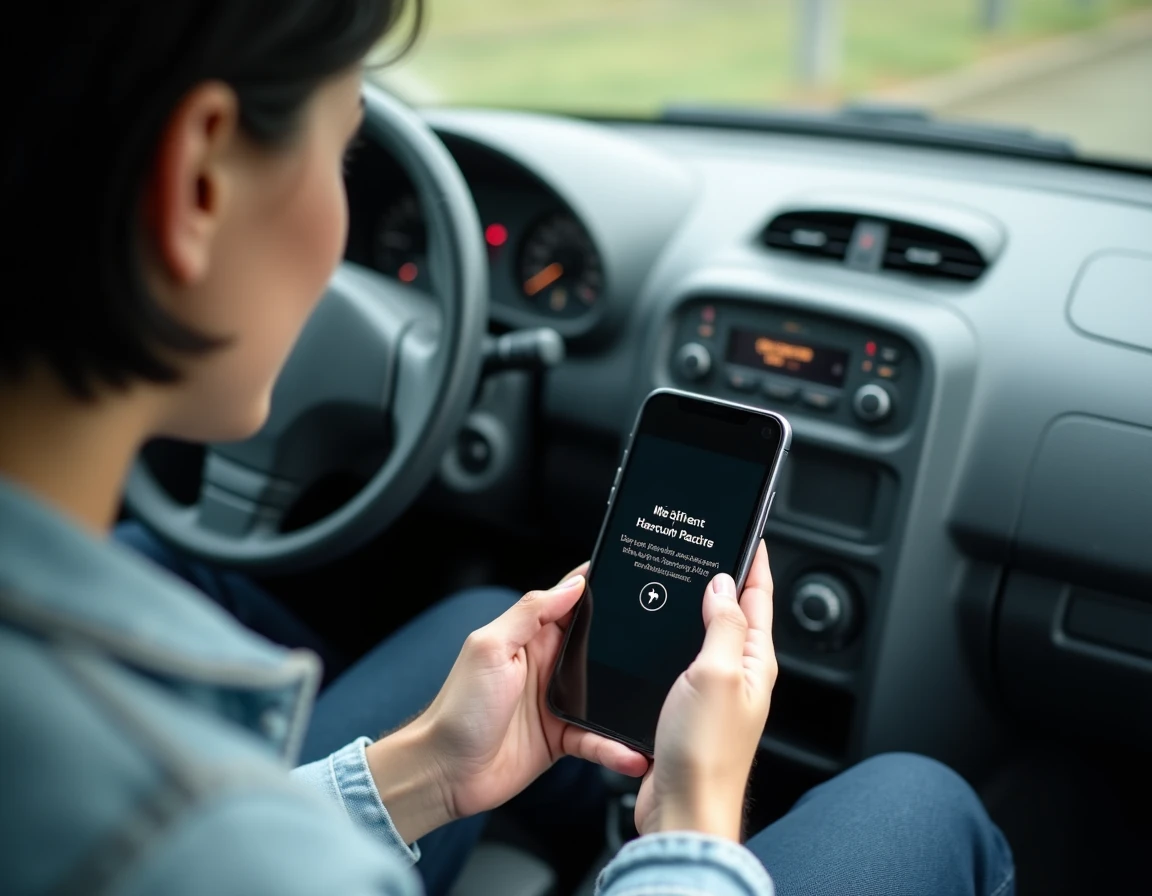
The choice between activating the original Bluetooth, adding an adaptable box, or installing an Android/CarPlay radio depends on the initial configuration and budget. The table below summarizes the differences based on the criteria that matter on a daily basis.
| Criterion | Original Bluetooth (R-Link / Carminat) | Adaptable Bluetooth Box | Android / CarPlay 2 DIN Radio |
|---|---|---|---|
| Indicative Cost | Included if present, otherwise not available | Low (component only) | Higher (unit + possible installation) |
| Audio Profile (A2DP) | Yes | Variable depending on the model | Yes |
| Hands-Free Profile (HFP) | Yes | Not always exposed | Yes |
| Compatibility with recent smartphones | Limited (old Bluetooth version) | Fair | Very good (updates possible) |
| Steering Wheel Controls | Functional | Depending on wiring | Functional with adapter |
| Audio Streaming Quality | Average | Average | Good to very good |
The most underestimated gap concerns the support for the HFP hands-free profile. Some adaptable boxes only expose the A2DP audio profile: music plays, but calls do not go through the built-in microphone or steering wheel controls. This detail, rarely mentioned on product sheets, has been pointed out by installers since 2023.
Before ordering a box or dismantling the front panel, checking for the presence of the HFP profile in the specifications avoids disappointment upon receipt. To understand the complete procedure for activating Bluetooth on Renault Clio 3 with the original system, the method varies depending on whether the unit is a Carminat, an R-Link, or a Tuner List.
Clio 3 TomTom Edition: a specific mounting constraint
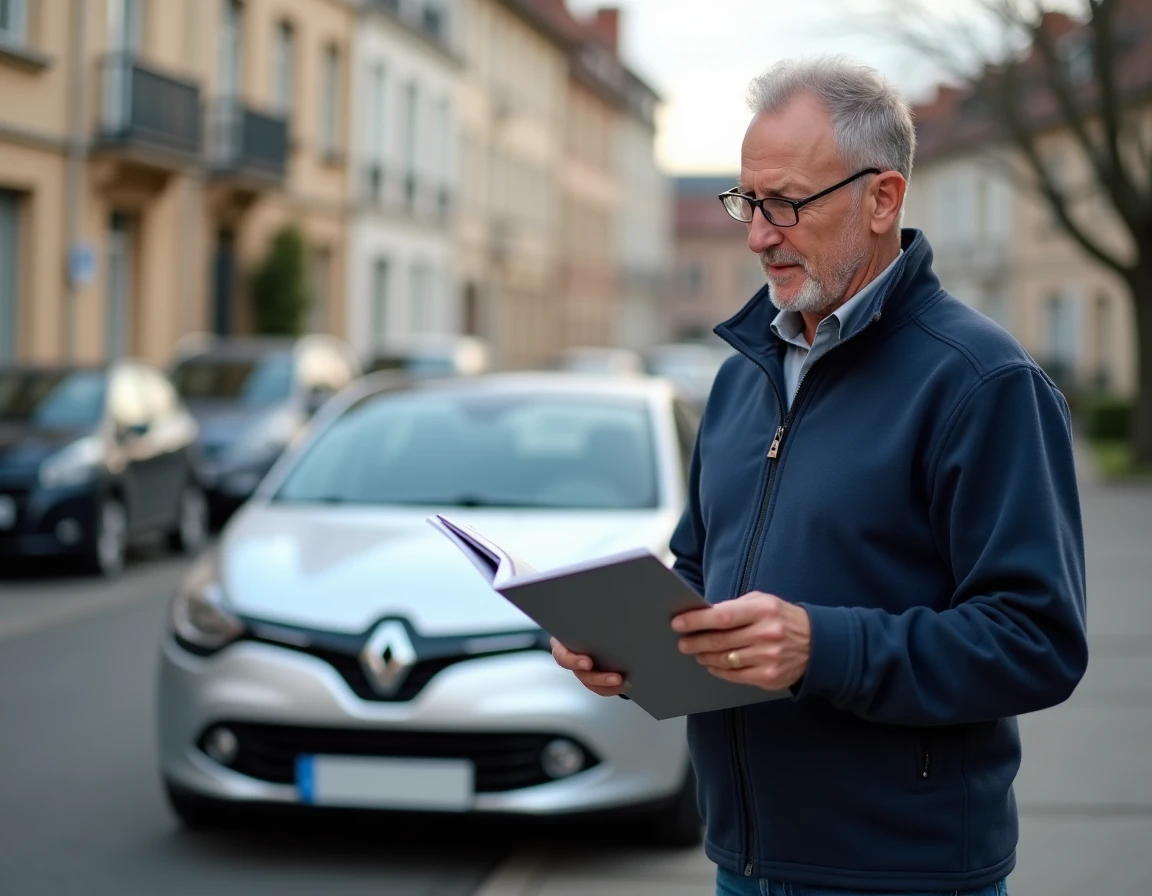
The Clio 3 equipped with the integrated TomTom screen poses a problem that other trims do not encounter. The space behind the screen is limited, and the wiring specific to this version restricts the options for compatible Bluetooth boxes.
A compact box or a dedicated TomTom Y-cable is often necessary to avoid issues with reassembling the front panel. A standard module, which is too thick, prevents the screen from being properly repositioned in its housing. The result: a front panel that protrudes by a few millimeters, vibrations at high speed, or a screen that no longer clips in.
Identify your version before any purchase
On a Clio 3 without TomTom, the space behind the Tuner List or Update List radio allows for more margin. The box fits without any special adaptation.
- Clio 3 Tuner List / Update List: sufficient space for most Bluetooth boxes on the market, connection to the rear ISO connector
- Clio 3 TomTom Edition: requires a slim box with a compatible Y-cable, check dimensions before purchase
- Clio 3 with integrated Carminat Bluetooth: the module already exists, the procedure is limited to software pairing via the Phone menu
This check takes two minutes: just look to see if the central screen displays the TomTom logo at startup or if the main menu directly offers a “Phone” entry.
Bluetooth Pairing Clio 3: procedure for the integrated system
When the vehicle has native Bluetooth (Carminat or R-Link), the connection follows a classic protocol but with some particularities related to the system’s age.
From the home screen, access the Phone menu, then Settings. If no device has been paired yet, the system directly offers to search. There are two paths: initiate the search from the vehicle or from the smartphone by looking for the vehicle’s Bluetooth name.
Method from the multimedia system
Activate Bluetooth on the smartphone and make it visible. From the vehicle menu, select “Search for a device.” The phone name appears in the list. After selection, a code is displayed on both screens for confirmation.
The system can remember up to five paired phones, but only one remains connected at a time. To switch to another device, you must go through the connected phone selection menu.
Method from the smartphone
In the Bluetooth settings of the phone, search for available devices. The name of the Renault system appears (often “Renault” followed by an identifier). Select it, confirm the code on the vehicle’s screen.
Recent smartphones running updated iOS or Android sometimes encounter connection failures with the original module. The Bluetooth protocol of the Carminat is several years old and does not always manage recent versions of the protocol. In case of repeated failures, deleting the pairing on both sides (phone and vehicle) and then starting over resolves most cases.
Android or CarPlay Radio on Clio 3: Bluetooth stability and updates
Completely replacing the unit with a 2 DIN Android screen represents the most advanced option in terms of connectivity. Since 2022, specialized installers confirm that these units manage modern Bluetooth versions significantly better than the older modules.
The main advantage lies in the compatibility maintained with updates for Android and iOS. While the original Carminat remains stuck in its software version, an Android radio receives patches and supports the evolution of the Bluetooth protocol.
The trade-off is the cost and complexity of installation. The unit physically replaces the original radio, which requires a 2 DIN front panel adapter and, to retain steering wheel controls, an additional interface module. On TomTom versions, disassembly is more delicate due to the specific wiring.
For use centered on hands-free calls and daily music streaming, a Bluetooth box with confirmed HFP profile remains the best compromise between cost and functionality. Switching to an Android radio is more justified when GPS navigation, video playback while stationary, or smartphone screen mirroring is also desired.
The most reliable decision criterion remains the presence or absence of the HFP profile on the considered box. Without this verification, the risk is to spend money on a module that only covers half the need, music without calls.