
Turkish Airlines requires that the name on the ticket exactly matches the one on the identification document presented at boarding. A single missing letter, a first name swapped with the last name, or a forgotten accent can block passage through security checks. Correcting this passenger information requires understanding what the airline allows as modifications, when to intervene, and through which channel.
Correcting a name on Turkish Airlines: what the PNR really allows
The PNR (Passenger Name Record) is the central record that links your identity to your reservation. Turkish Airlines distinguishes between two categories of modifications on this record.
Minor corrections involve one or two letters: a typo, a missing accent, or a swap between first name and last name. These adjustments are generally handled at no cost by customer service, provided that the corrected name remains clearly identifiable as belonging to the same passenger.
Substantial modifications (complete name change, transferring a ticket to another person) fall under a different procedure and are subject to varying fare conditions depending on the booking class. In most cases, a change of holder is not allowed on promotional fare tickets.
During online check-in with Turkish Airlines, correcting a minor error already validated by support automatically reflects in the check-in flow, without requiring a new paper boarding pass. This synchronization works both on the website and via the mobile app.
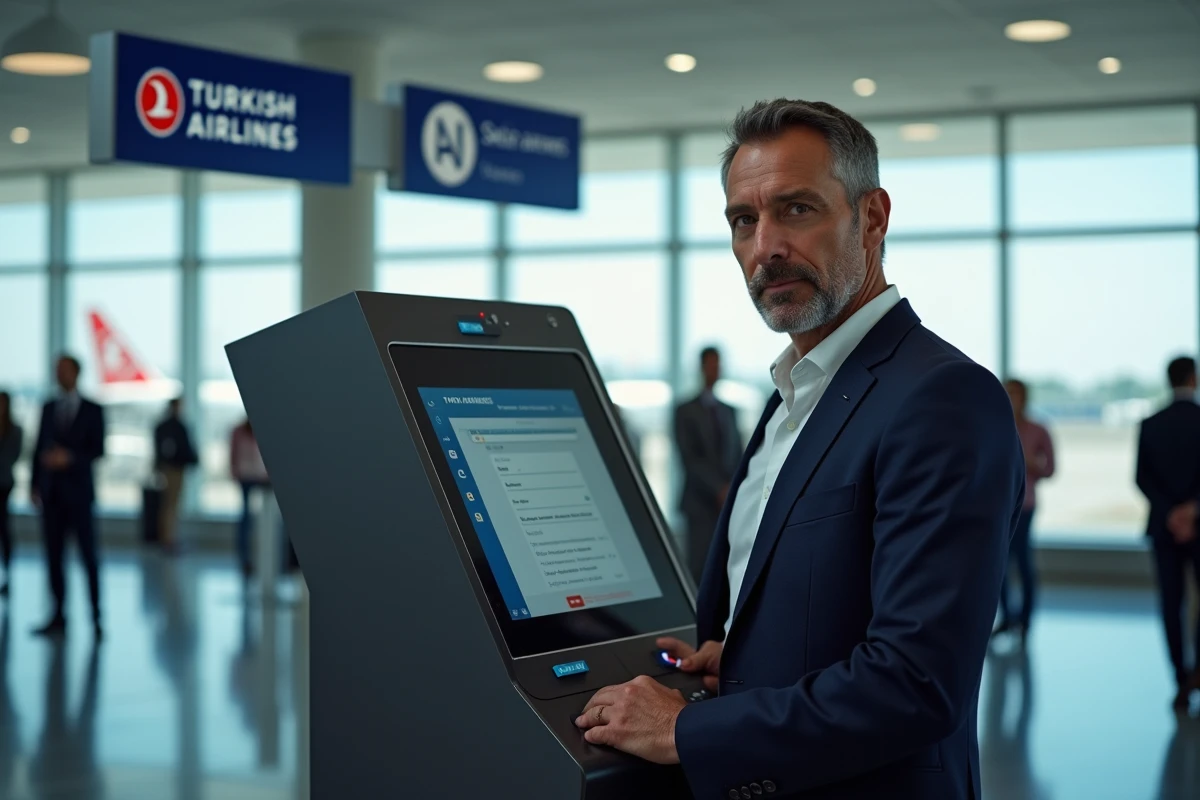
Error detected after online check-in: cancel the check-in before correcting
The most common trap is spotting the name error after finalizing online check-in. At this stage, airport agents can often only add a note to the record rather than proceed with a formal name correction.
Recent feedback from passengers confirms that Turkish Airlines requires the cancellation of check-in via customer support before modifying the PNR in this case. The sequence to follow is strict:
- Contact Turkish Airlines customer service by phone or through the mobile app to request the cancellation of the ongoing check-in.
- Wait for confirmation that the check-in has been revoked in the reservation system.
- Provide the corrected information (exact spelling as it appears on the passport or ID card) for updating the PNR.
- Restart online check-in once the correction is effective, then download the new boarding pass.
Attempting to correct the name directly at the check-in counter at the airport without following this procedure risks a simple note addition, which is insufficient given the enhanced security checks.
Turkish Airlines mobile app: check passenger information before validation
Recent versions of the mobile app (updates rolled out in 2024-2025) have integrated specific fixes for the online check-in flow and passenger details. The app remains the fastest channel to spot an error before it gets locked in the system.
Preventive check during entry
The name must exactly reproduce the spelling on the travel document, character by character. The second first name, often forgotten, must be included in the designated field if your passport mentions it. Turkish Airlines recommends entering the name as it appears in the machine-readable zone (MRZ) of the passport, meaning without accents or special characters.
Synchronization after correction by support
When a minor correction has been validated by an agent, it propagates in the mobile app without any additional action from the passenger. The electronic ticket and boarding pass display the updated name. Restarting the app may speed up the display if the local cache has not yet been refreshed.

Deadlines and contact channels for correcting a name on a Turkish Airlines flight
Time is a significant factor in determining the ease of correction. The earlier the request is made after booking, the simpler the process. As the departure approaches, the margins for maneuvering decrease, especially on flights departing from airports subject to enhanced security and migration checks.
Three channels allow you to submit a correction request:
- The Turkish Airlines call center, accessible from France. Wait times vary by time slots, but calls during weekdays outside peak hours remain the most effective.
- The online contact form via the “Manage my booking” section on turkishairlines.com, which generates a tracking number.
- The mobile app, which offers direct access to support via chat or phone callback depending on the markets.
In all cases, have your reservation number (PNR), electronic ticket number, and a copy of the identification document showing the correct spelling ready. Providing these elements from the first contact avoids back-and-forth and reduces processing time.
One last point deserves attention: online travel agencies that issued the ticket may sometimes block the correction on the airline’s side. If the booking was made through an intermediary, the modification request often needs to go through that intermediary before reaching Turkish Airlines. Checking the initial purchase channel can save considerable time.